PTE AV Studio 12
A Powerful Slideshow Software for PC and Mac
Add photos, video clips and music. Apply slide styles. Use keyframe animations. Edit audio clips in the Timeline view. Create HD and 4K videos or executable files
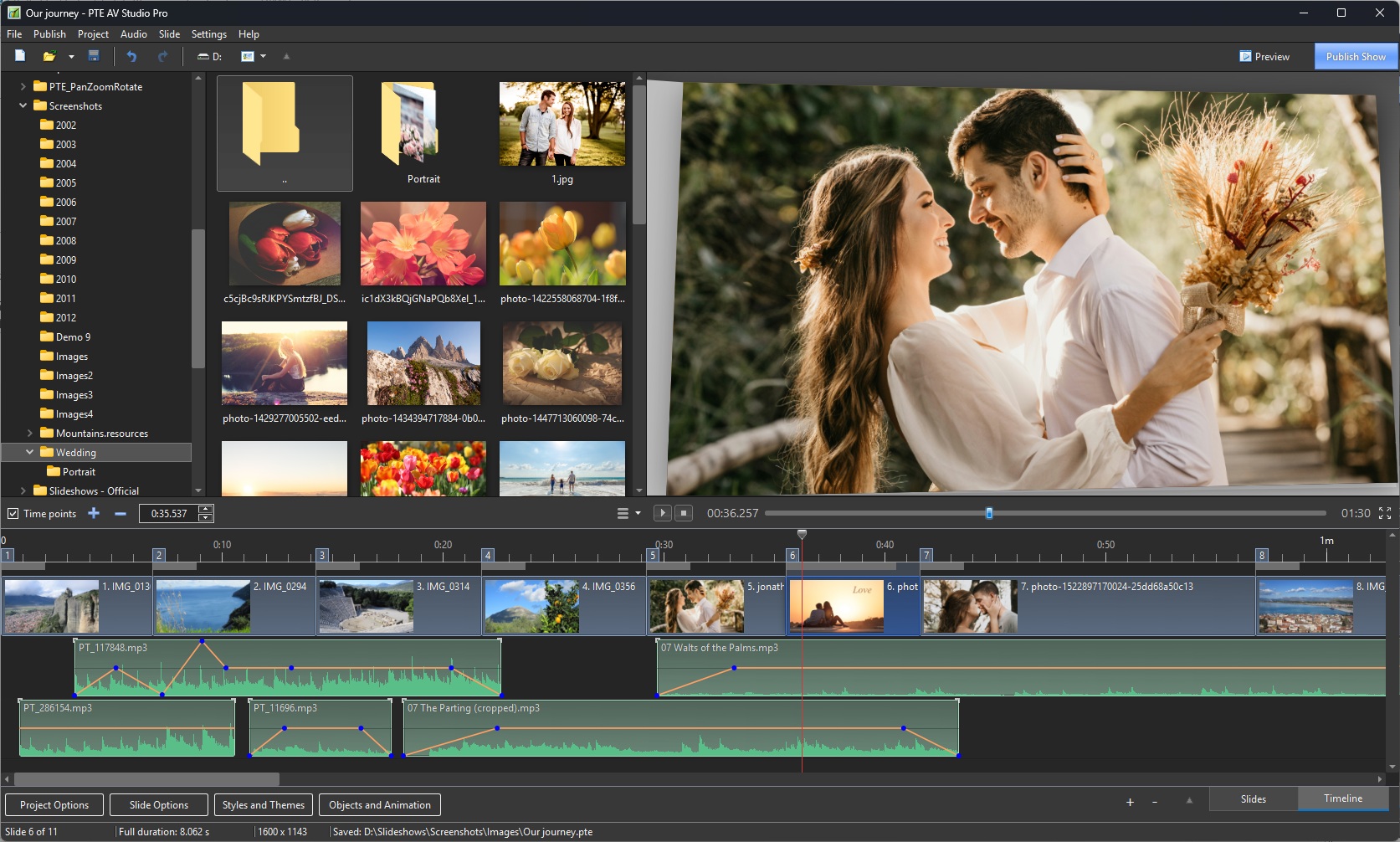
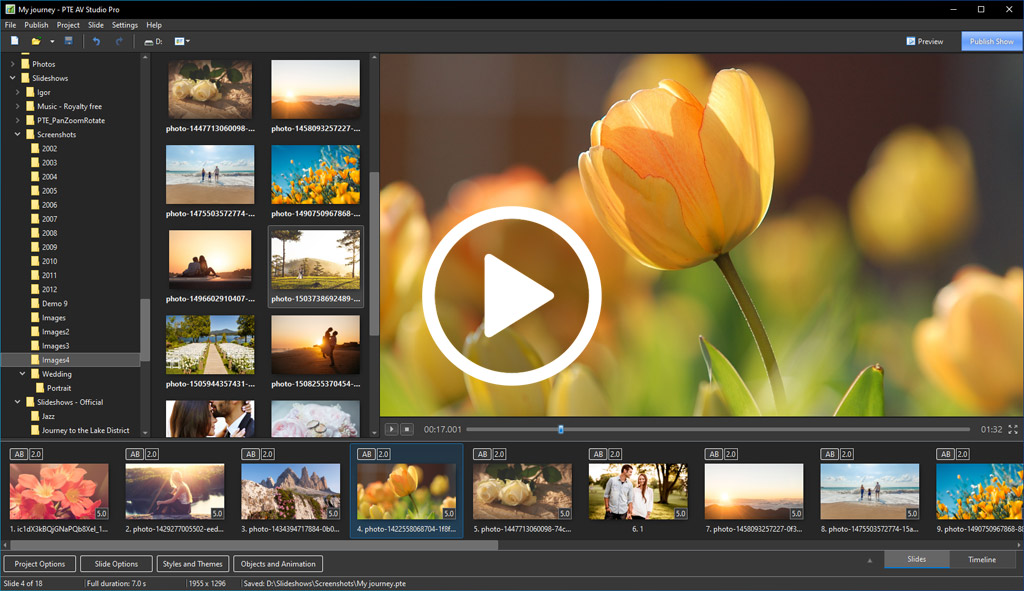
Create a Slideshow or Movie
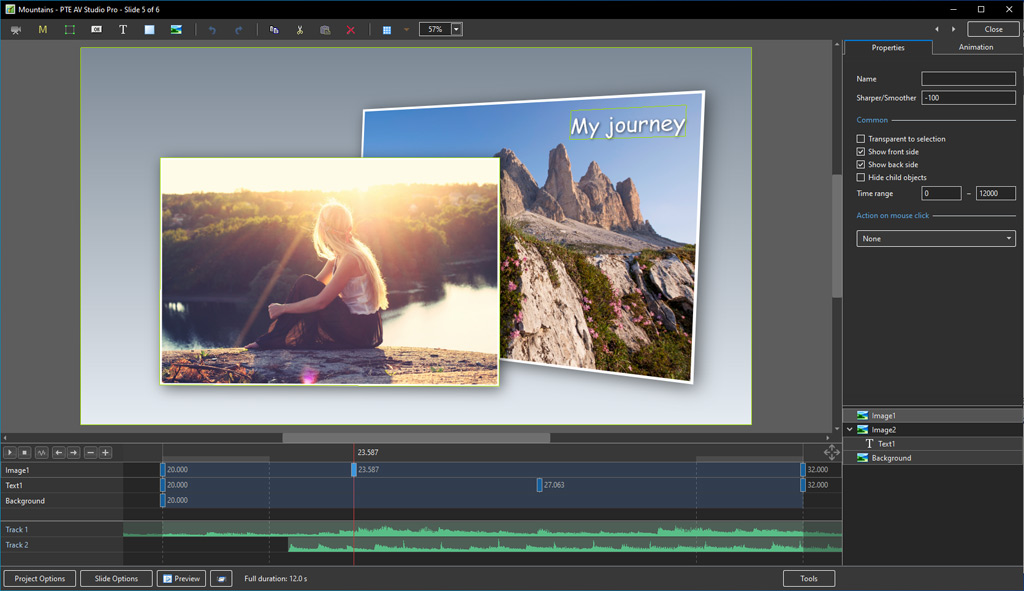
PTE AV Studio 12 offers you full creative control for your projects. Use the timeline view for perfect synchronization of slides with audio clips on multiple tracks. Powerful keyframe animations with effects. More than 130 templates/styles of animations will help you to easily create your slideshow.
What's New in PTE AV Studio 12.
PTE AV Studio is available in two editions — Standard and Pro. Compare editions.
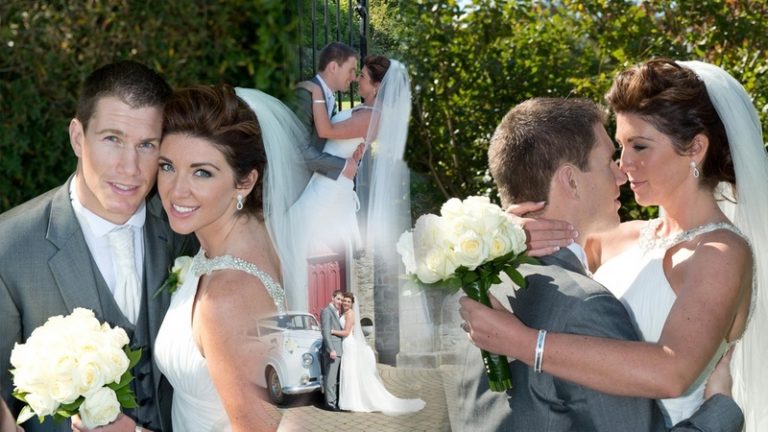
Pan, Zoom, Rotate, 3D
Adjust pan, zoom, rotate, and 3D transformations. Control opacity, blur, unsharp mask, and color effects.
Nested Animation
Create complex parent-child animation of objects.
Images and Video Clips
Mix images and video clips together on the screen.
Slide Styles and Transitions
130+ customizable slide styles, themes and transitions. Each slide style allows you to easily adjust several parameters of animation. Create new slide styles, themes and transitions and share with other users.
Text Captions
Add text captions with animation. Create text macros from EXIF metadata and apply to all or selected images.
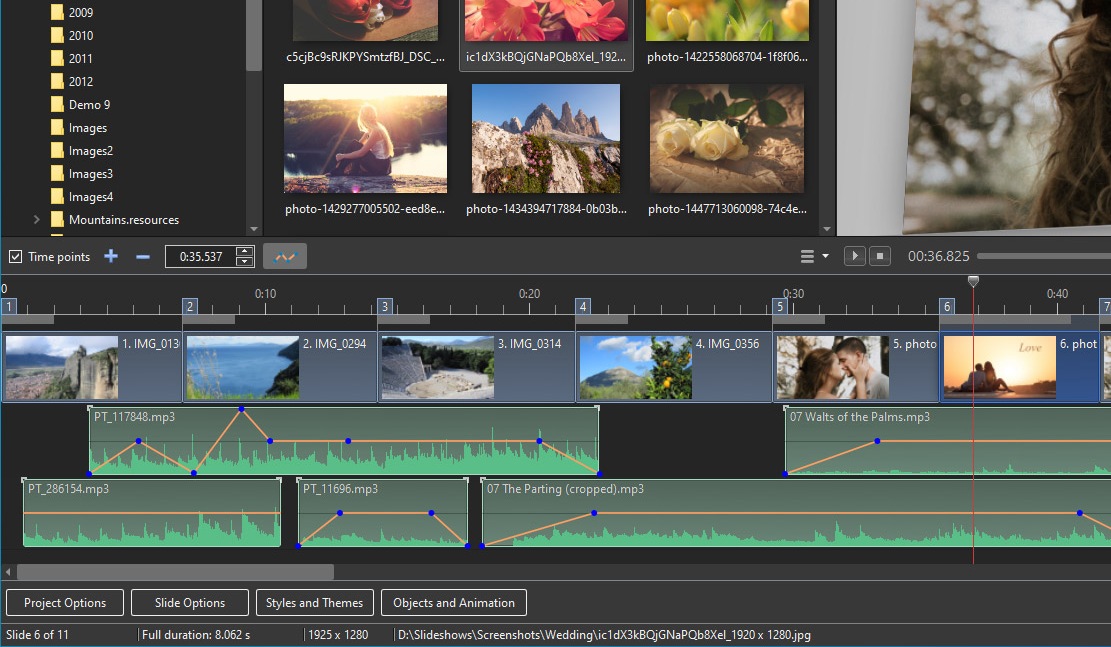
Timeline View
Add and view multiple audio tracks, which may be played simultaneously. Synchronize slides with audio clips on the timeline using time points. Link audio clips with slides.
Audio Editor
Envelope tool (keypoint control of sound volume). Edit audio clips: fade in/out, start time, duration, cross-fading.
Objects (Layers)
Add images, video clips, text captions, masks, interactive buttons and more.
Keyframe Animations
Keyframes work like waypoints. Add the first keyframe and adjust position and size of an object. Add the last keyframe and adjust the final position of an object and its parameters. PTE AV Studio will animate the object between these keyframes using pan, zoom, rotate, etc.
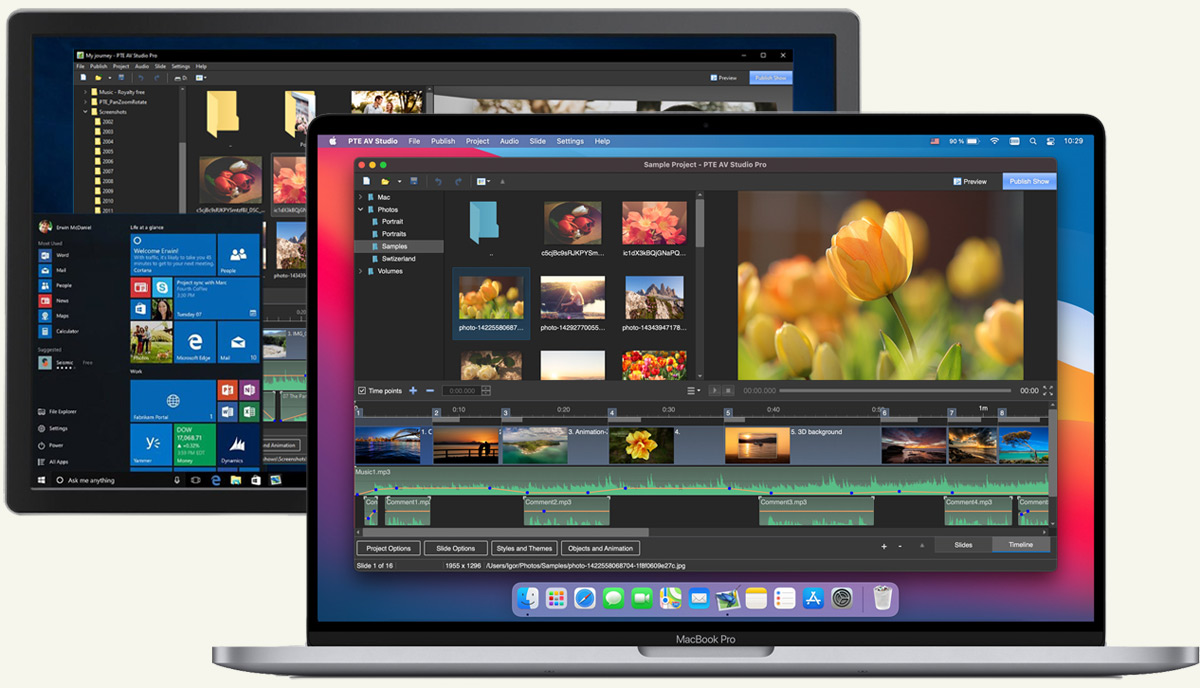
Available for PC and Mac
PTE AV Studio works great on macOS and Windows. Full compatibility with new macOS 27 Golden Gate and Windows 11.
Optimized for Apple Silicon
Full, native support for the incredible Apple Silicon means PTE AV Studio is blazingly fast on the latest Mac computers.
Color Adjustments
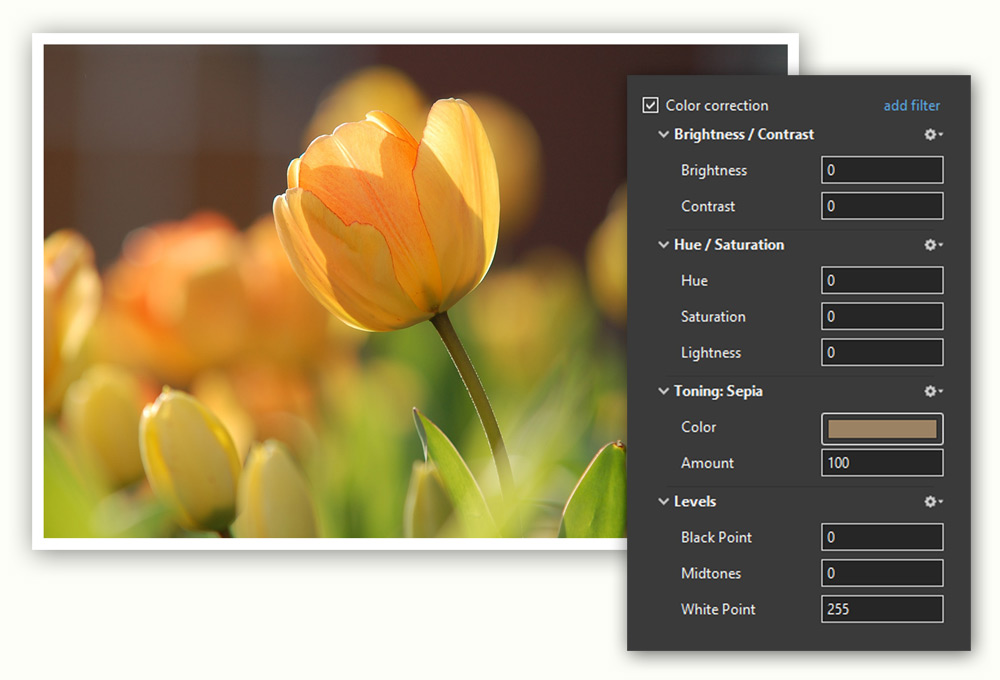
Adjust the brightness, contrast, levels, hue, and saturation of an image/video. Apply a sepia effect and other color filters. Support for color profiles.
Image Adjustments
Crop images and videos, add a beautiful white frame and a drop shadow. Apply a dynamic blur effect. Use zoom in a frame. Apply a masking effect.
Executable Shows for PC and Mac
PTE AV Studio allows you to create slideshows as executable files for PC and Mac.
The highest picture quality is possible because PTE AV Studio uses original images from the project. Smooth playback of animations synchronized with a monitor refresh rate. Automatic or manual slide advance. Interactive objects with actions. Instant creation of executable files.
Motion Blur Effect
This option simulates the shutter effect of a camera and adds a cinematographic look for your show. Parts of objects in fast motion will be blurred automatically. This feature is available when you create a video.
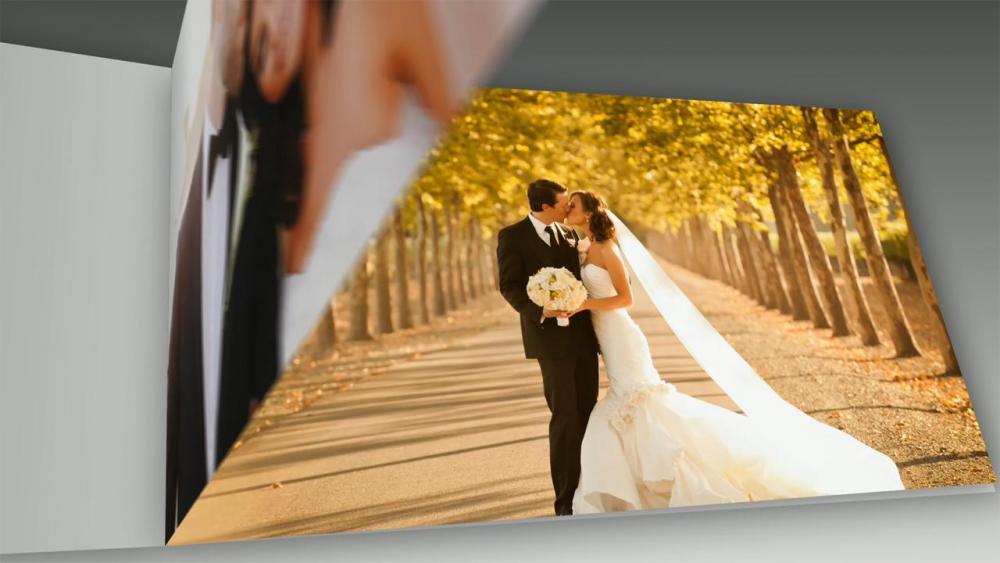
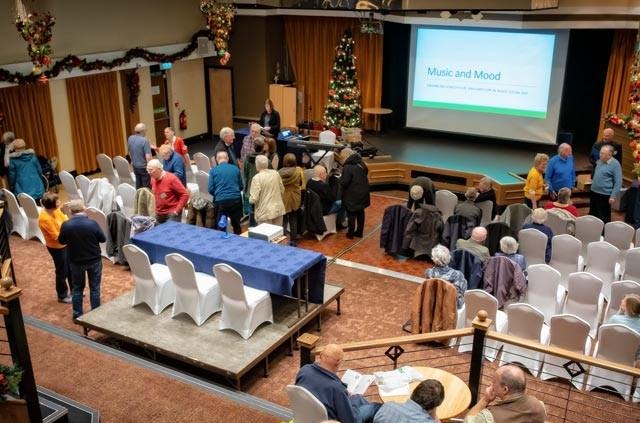
Audiovisual Shows
PTE AV Studio not only allows the creation of simple slideshows, but also produces high-quality audiovisual shows containing images, video clips and complex soundtracks. PTE AV Studio is widely used by professional and amateur photographers, camera clubs and AV groups for local, national and international competitions and festivals. Shows created in PTE AV Studio frequently are awarded first place and other prizes in the many events held in the UK, France, Belgium, Italy and other countries around the world.
Publish Options
HD and 4K Video
Create HD and 4K video files for playback on PC, Mac and TV. H.264 and AV1 encoders supported.
Video for Social Media
Export vertical (9:16) and square (1:1) videos for YouTube Shorts, TikTok, Reels and social media.
Mobile Devices
Create video slideshows for tablets and smartphones. For iOS and Android.
Executables
Create executable slideshows for PC and Mac. Highest picture quality and smooth animations. Manual advancing of slides.
Slideshows and AV shows created in PTE AV Studio


Testimonials
"I can't tell you how wonderful the latest version of this software is…version 10.0.3. The improvement in video is fantastic. I just loaded 4 segments of 4k video that I produced in the software and then put the 4 rendered segments in the timeline. They played beautifully and it was easy to adjust in and out points as needed. Instant playback as usual. This is a quantum leap in video. Fantastic software and the only one that lets you see exactly what you've done instantly at full resolution."
Jeff Lunt, New Mexico, USA
"As the current (2019) Royal Photographic Society National Audio Visual Championship, Gold Medal winner and also the 2019 Lawtow International Festival Award for Artistic Merit winner, I can say with full conviction that PTE AV Studio 10 is top-notch. The clarity and vibrancy of the images are outstanding, for me, this is crucial. The ability to seamlessly blend still images with video is impressive."
Mark Allen, Belfast, Northern Ireland
Download the 30-day free trial version of PTE AV Studio.